How does it work?
1
Compose your email
Write your email in Outlook, Gmail, Apple Mail or your favorite client as you normally do.

2
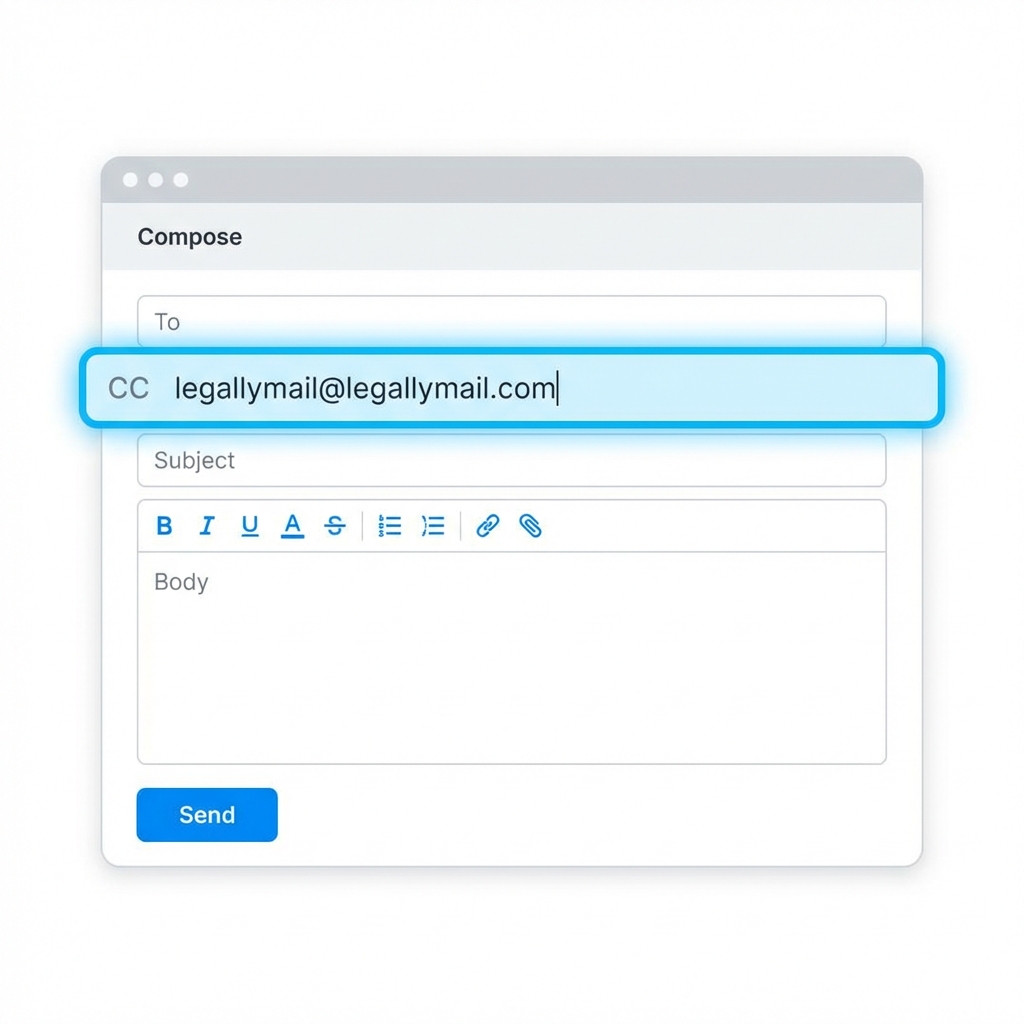
Put LegallyMail in CC or BCC
Add the address legallymail@legallymail.com in the CC or BCC field.
legallymail@legallymail.com
3
Certified Delivery
When you send the email, our system detects it and generates the legal certification automatically.
Requirements to work
- The email must be sent from an address registered and validated in Senders .
- You must have email credits available in your account.
- You can include multiple recipients at once in the "To" and "CC" fields. The maximum limit is flexible depending on your plan.
- Since most providers delete BCC headers in transit, our system cannot process addresses in BCC. Only use BCC to hide legallymail@legallymail.com.
Advantages of the integration
No installations: No plugins, extensions or technical configuration required.
Multi-device: Works on PC, Mac, Android, iOS and any email client.
Total transparency: If you add our address via BCC, the end recipient will not know the email is being certified.